
Automotive engineers, military contractors, consumer electronics designers, and dental and orthopedic device makers all share one pressure point: getting from concept to finished product faster than the competition. Many teams struggle with knowing which prototyping approach actually fits their timeline and budget. Part of the confusion comes from language. "Additive manufacturing," "3D printing," and "rapid prototyping" get used interchangeably in meetings and RFPs, but they mean different things. That mix-up leads to mismatched vendor selection and blown timelines. This guide breaks down what each term actually means, compares the leading 3D printing technologies, and walks through how to pick the right approach for your next product development project.
Key Takeaways
- Additive manufacturing and 3D printing are the same layer-by-layer process; rapid prototyping is one goal for it
- Match FDM, SLA, or SLS to the stage—from rough concepts to near-final engineering builds
- Skip tooling with 3D printing to shave weeks or months off development timelines
- Use one manufacturing partner to cut handoff risk in regulated fields like defense and dental/orthopedic work
What is Additive Manufacturing, 3D Printing, and Rapid Prototyping?
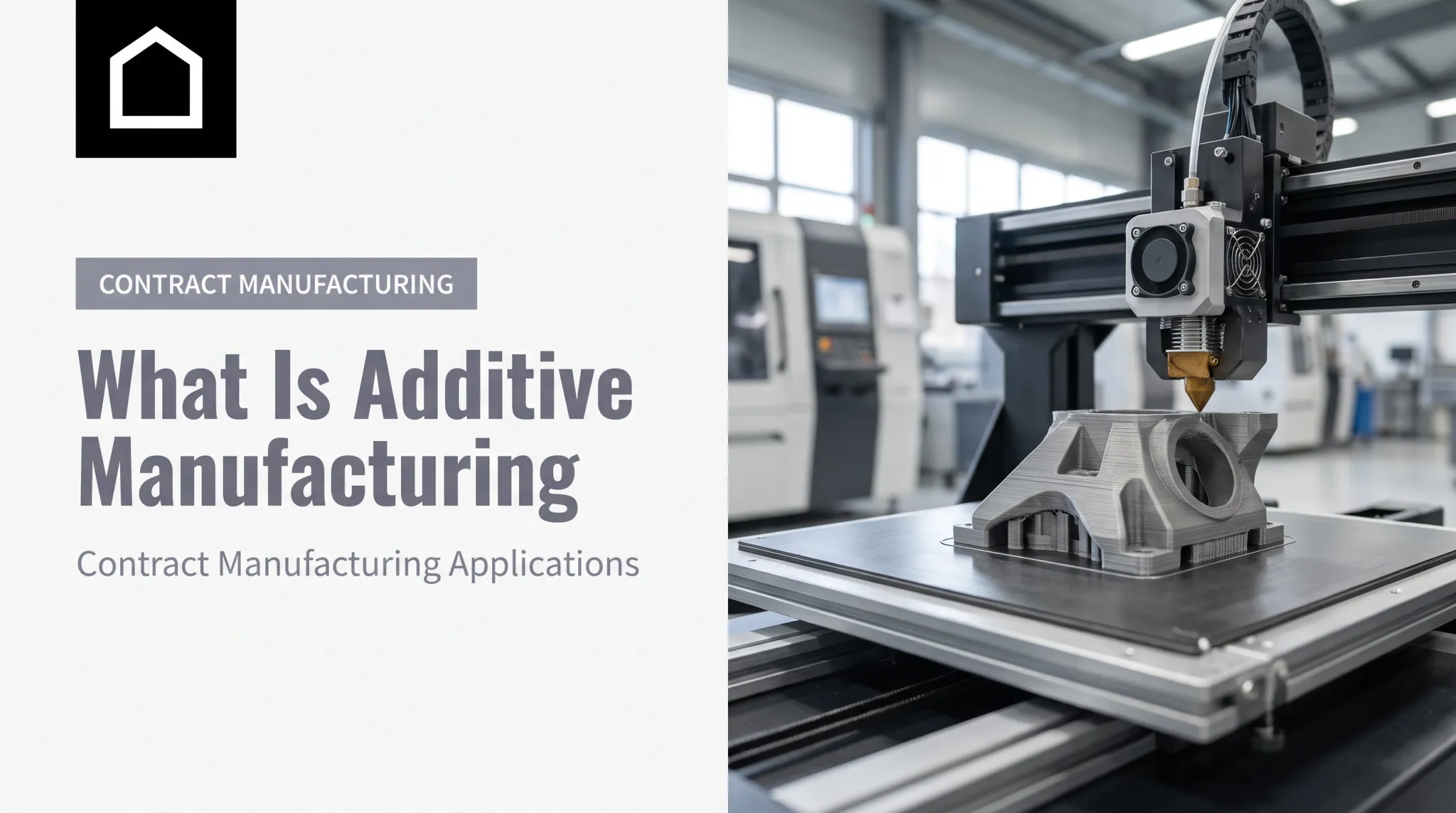
Additive manufacturing (AM) builds parts by joining material layer by layer from a 3D CAD file. This is the industry-standard definition set by ISO/ASTM 52900, and it's the direct opposite of subtractive processes like CNC machining, which cut material away from a solid block. Here's where the confusion starts: 3D printing and additive manufacturing are the same process. "Additive manufacturing" is the term engineers and standards bodies use because it sounds more industrial and precise. "3D printing" became the everyday phrase once desktop printers put the technology in consumer hands. Neither term is more technically correct. They describe the same layer-by-layer build method. Rapid prototyping is different. It names a goal, not a machine or a process. Rapid prototyping means using additive manufacturing (or sometimes CNC machining or casting) to quickly produce a physical test part from a CAD file. Put simply:
- Additive manufacturing / 3D printing is the method
- Rapid prototyping is the outcome you achieve with that method Why does the distinction matter? Speed. According to NIST, rapid AM iterations bypass the lead time and cost of building tooling, resolving design issues that could otherwise take weeks or months longer using traditional methods. In one documented example, NIST found that additive manufacturing saved a manufacturer roughly six and a half days and $200 compared to machining an inspection fixture the traditional way.
Is 3D Printing the Right Choice for Rapid Prototyping?
3D printing has become nearly synonymous with rapid prototyping because no tooling is required. You send a CAD file, and a part comes out. No mold to cut, no die to machine, no weeks-long wait before you see your design in physical form. The core benefits:
Skip tooling investment entirely on early-stage iterations
Turn around design revisions in days, not weeks
Build complex geometries that would be impossible or costly with subtractive methods
Put a physical part in stakeholders' hands faster than a rendering can sell the idea But 3D printing has real limitations:
Layer lines can create structural weak points, especially on FDM parts
FDM builds are anisotropic: weaker in one direction because of how layers bond
Some printed materials fall short of the strength and finish of end-use metals or injection-molded plastics

When CNC Machining Wins Instead If your prototype needs to closely match the mechanical properties of the final production material,
CNC machining can outperform 3D printing. It's especially useful for:
- Parts requiring tight tolerances
- Engineering-grade materials that need isotropic strength
- Prototypes headed into functional testing where surface finish matters
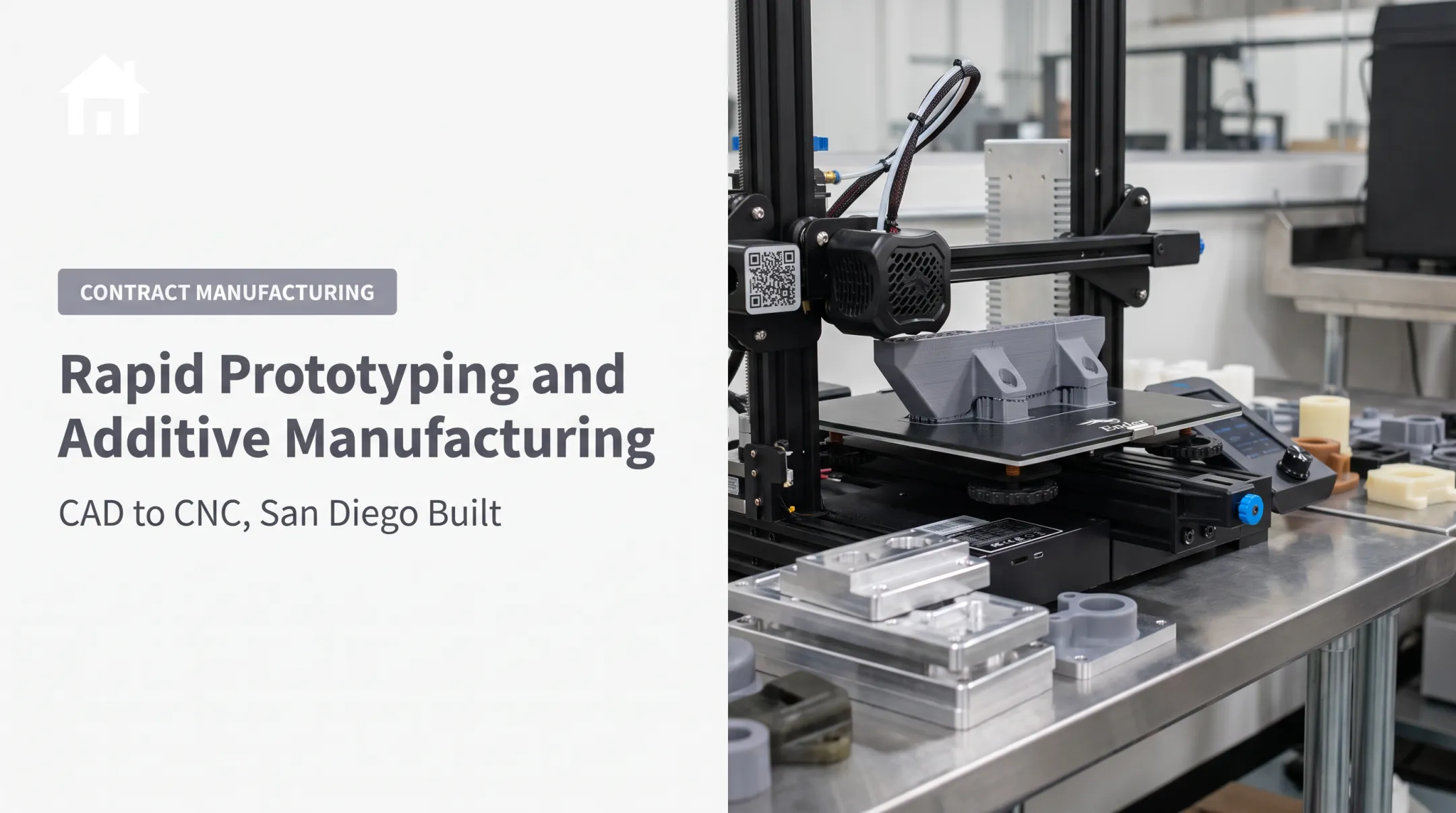
Finine Design and Manufacturing offers both 3D printing and CNC machining in-house, so the choice comes down to what the part actually needs to prove.
Types and Examples of Rapid Prototypes
Not every prototype is trying to answer the same question. Four categories cover most product development needs:
- Proof-of-concept/concept models — low-fidelity builds that validate whether an idea is viable before any major investment.
- Looks-like prototypes — represent appearance, color, material, and finish without full function. Great for user feedback on ergonomics and aesthetics.
- Works-like prototypes — test mechanical, electrical, or functional performance, regardless of how they look. This is where you learn if the engineering actually works.
- Engineering/technical prototypes — near-final designs used for validation testing (EVT, DVT, PVT) before mass production begins. For dental and orthopedic sales and educational models — one of Finine Design’s specialty areas — this progression matters. A sales model for a new implant system might start as a rough concept model for internal buy-in, move to a looks-like version for representative feedback, then finish as a technical prototype that mirrors the product’s dimensions and finish for clinical education.

Four Types of Prototyping Methods Explained
Prototypes can also be grouped by what they are built to test, not only by development stage:
| Method | Focus | Typical Use | Concept models | Appearance only, no function | Stakeholder buy-in | Geometric prototypes | Dimensions and form, not material behavior | Fit checks, spatial testing | | --- | --- | --- | | Functional prototypes | Working mechanical characteristics | Performance validation | Technical prototypes | Closest to final part | Rigorous pre-production testing | These categories overlap with the looks-like/works-like framework above, but the emphasis shifts. Geometric prototypes, for instance, care only about dimensions — not whether the part can survive a drop test. Match the build to the question you need answered. Win early buy-in with a concept model before spending on functional or technical parts that need production-intent materials and tighter tolerances. | | |
Comparing Rapid Prototyping Technologies (FDM, SLA, SLS) and File Formats
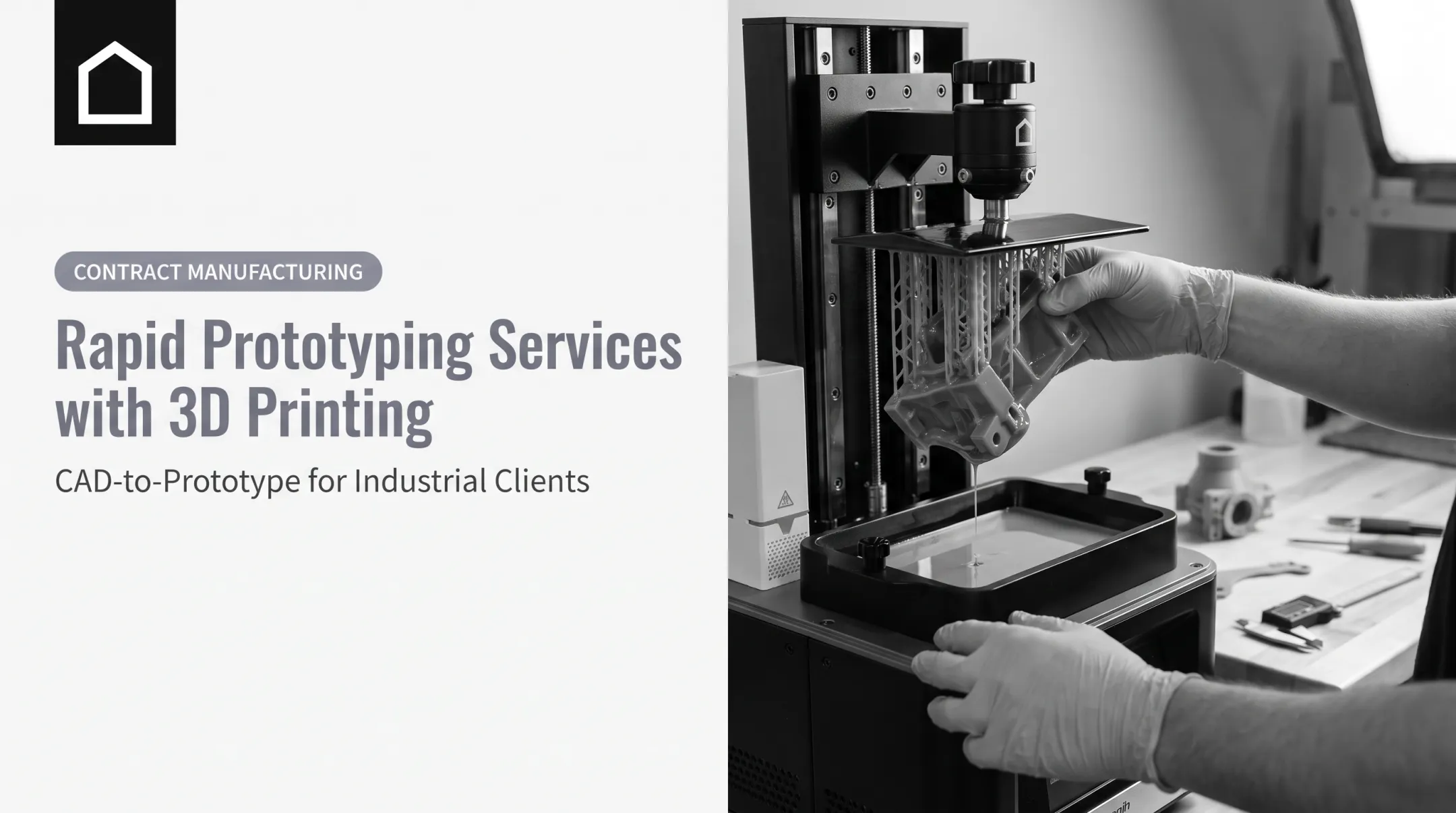
Choosing the right print technology depends entirely on what stage your prototype is in. FDM (Fused Deposition Modeling) extrudes molten thermoplastic layer by layer. It's low-cost and fast, so it fits early concept models and simple geometric prototypes. The tradeoff: visible layer lines and weaker cross-layer strength. SLA (Stereolithography) cures liquid resin with light, delivering the highest resolution and smoothest finish of the three. According to Formlabs, SLA is ideal for looks-like prototypes where fine detail and surface quality matter most. SLS (Selective Laser Sintering) fuses polymer powder into strong, complex, support-free parts. It's the go-to for works-like and functional prototypes that need to survive real handling and mechanical testing. Match the technology to the prototype stage:
- Quick concept iteration → FDM
- Looks-like model → SLA
- Works-like or functional test → SLS

STL vs. 3MF: Which File Format Should You Use?
STL has been the universal 3D printing format for decades, but it only carries geometry. 3MF is the modern alternative when a print needs more than shape alone:
- STL — geometry only; no color, material, or metadata
- 3MF — geometry plus color, material composition, and texture
- Best fit for 3MF — complex or multi-material prints that need that extra data in one file Matching technology and file format to each stage still takes judgment.
Finine Design and Manufacturing handles that in-house — CAD modeling plus FDM, SLA, SLS, and related prototyping methods — so teams move from concept to functional parts without building a print stack on their own.
From Prototype to Production: Why a Single Partner Matters Juggling separate vendors for
CAD modeling, 3D printing, CNC machining, molding, and finishing introduces risk at every handoff. Design intent gets lost in translation. Timelines stretch as files move between shops. Errors compound. An integrated provider that handles the full journey from CAD modeling and 3D printing through CNC machining, urethane casting, injection molding, and production painting removes those handoff points entirely. One team owns the design intent from the first sketch through the finished part. Finine Design and Manufacturing, based in San Diego, works this way across industries:
- Automotive components and prototypes
- Military and defense parts
- Consumer electronics housings and mechanisms
- Dental and orthopedic sales and educational products
That cross-industry breadth, combined with specialized experience in regulated products, gives US companies one accountable partner from concept through finished part, not a chain of vendors to coordinate.
Frequently Asked Questions
What is the difference between rapid prototyping and additive manufacturing?
Additive manufacturing (3D printing) is the layer-by-layer fabrication process itself. Rapid prototyping is the goal of using that process (or other methods like CNC machining) to quickly produce a test part.
Is 3D printing good for prototyping?
Yes. It offers speed, design freedom, and cost savings by eliminating tooling requirements. The tradeoff is that some printed materials don't match the strength or finish of end-use production materials.
What are examples of rapid prototyping?
Common examples include concept models for early viability, looks-like prototypes for appearance, works-like prototypes for function, and engineering prototypes that validate near-final designs before production.
What are the four types of prototyping?
Teams often group them as concept (form and idea), geometric (fit and dimensions), functional (mechanical performance), and technical (production-ready validation).
Is STL or 3MF better?
3MF is more advanced: it can carry color, material, and texture data for complex or multi-material parts. STL remains widely supported for simpler, geometry-only files when that extra data isn’t needed.